General Queries
How to close my ICICI Direct trading account?
You can close your ICICI Direct trading account from website using below easy steps –
1) Login to ICICI Direct website
2) Go to Help (?)
3) Scroll down to click on ‘New Service Request’ in Self Help section
4) Select ‘Trading Account Closure’ option
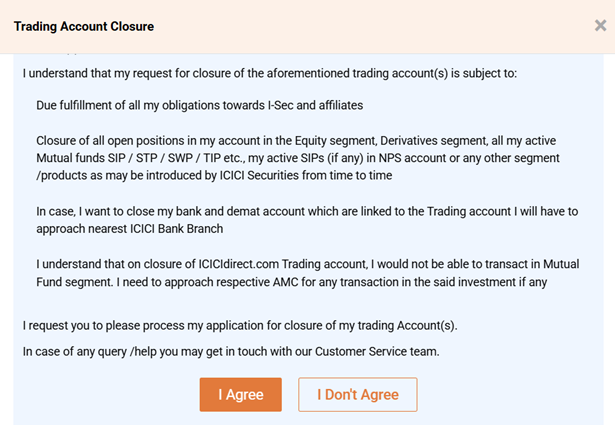
5) Read the consent and click on ‘I Agree’
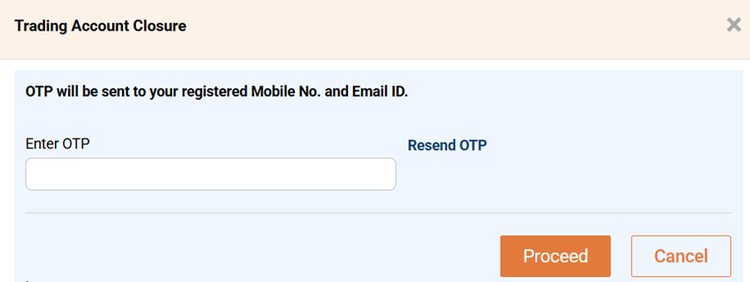
6) Enter the OTP send on your registered Mobile number and Email ID.
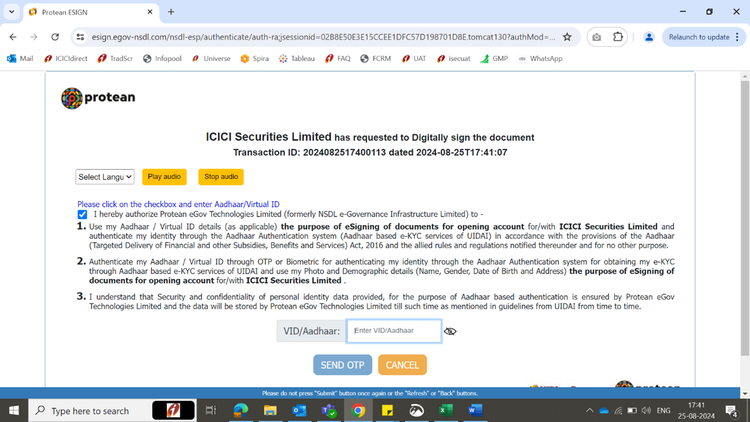
7) You will be redirected to the protean website for e-sign. Protean is government approved company to do e-sign. Type your Aadhaar card number, click on Terms and conditions and click on send OTP.
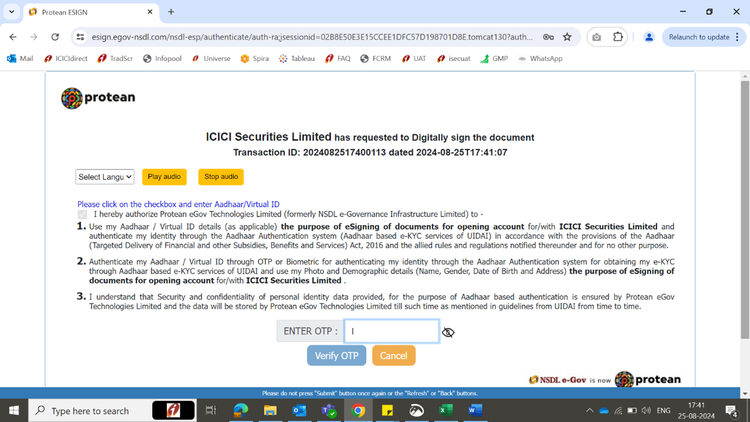
8) You will receive the OTP on Mobile number linked to your Aadhaar card. Enter OTP and click on Verify OTP.
9) Once OTP is verified, your request to close trading account is complete. It will take one working day to close your account. You will receive the confirmation on Email once account is closed.
Please note –
Please ensure below items are cleared before starting the trading account closure process
- Open positions across all segments
- Allocated funds/obligations across all segments
- Active SIPs in Mutual Funds
You need to have your Aadhaar number and mobile number linked to Aadhaar ready for trading account closure.
Online trading account closure is available only for Indian customers. NRIs and Non-Individual customer needs to submit signed physical form to nearest Demat enabled ICICI Bank branch (https://www.icicibank.com/find-atm-branch/demat-enabled-branches ) to close trading account. https://www.icicibank.com/content/dam/icicibank/india/managed-assets/revamp-page-images/docs/pdf/trading-account-closure-form.pdf