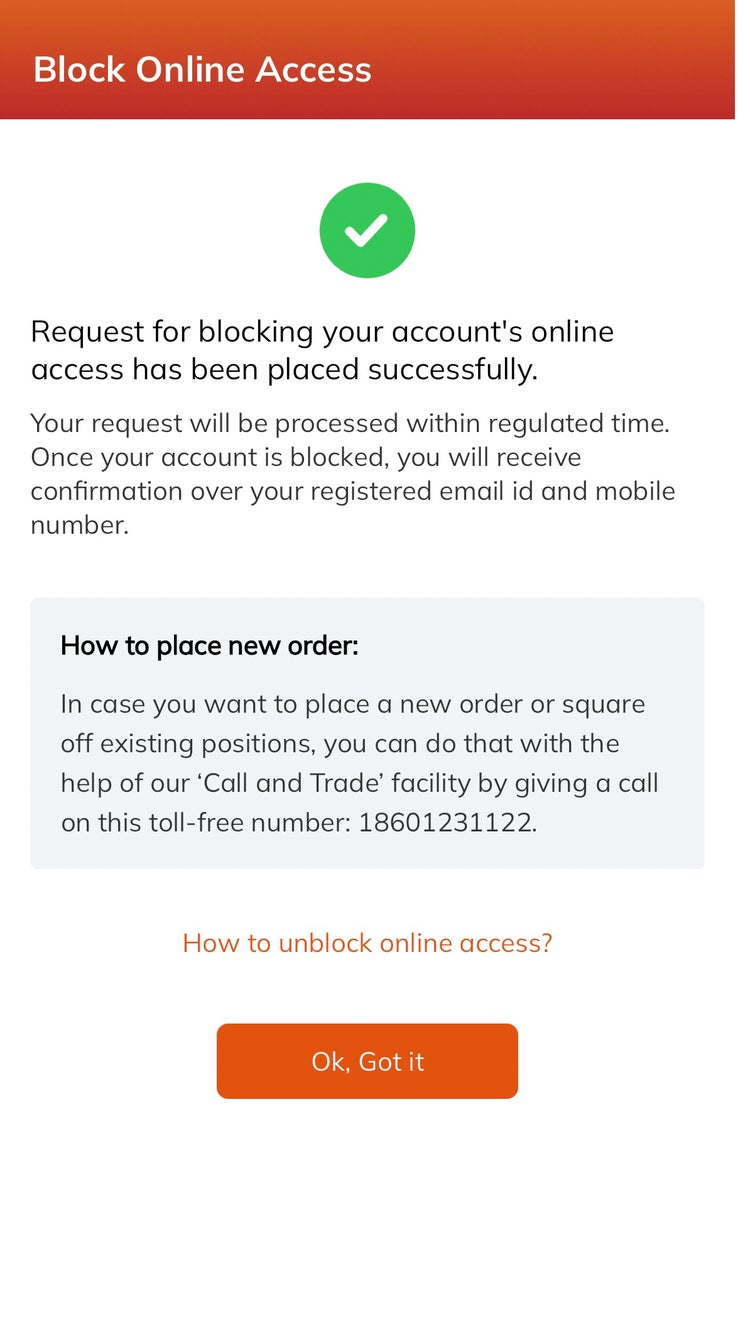
Block/Unblock Online Access
How can I Block Online Access?
A. Through Website:
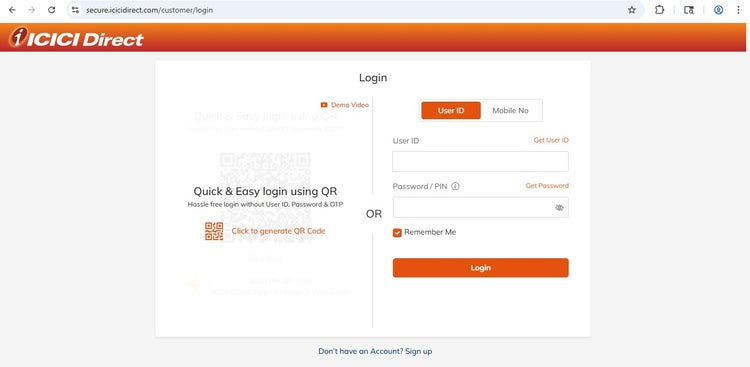
Step 1. Log in to ICICI Direct account
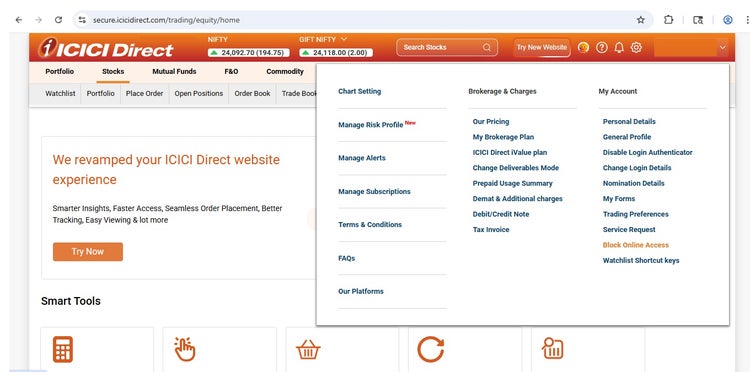
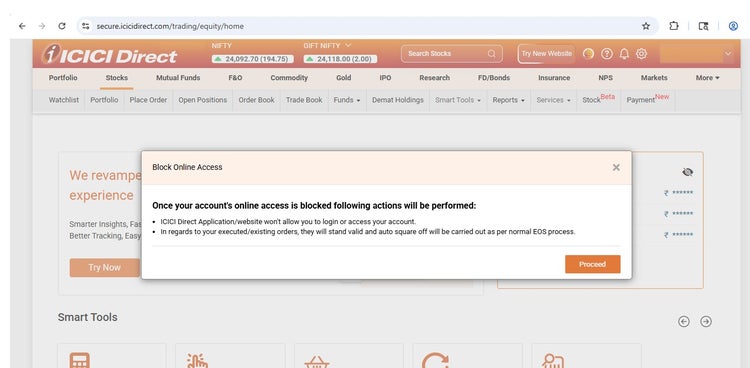
Step 2. Go to Settings > click on Block Online Access
Step 3. Please cancel all your pending/open orders/requests if any
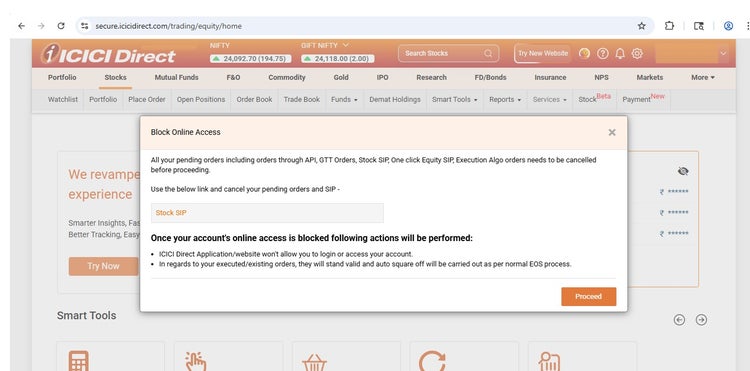
Step 4. Proceed with Block Online Access
B. Through Customer Care:
1. Call 022-41330668 from Registered Mobile Number
2. Request for Blocking Online Access of your trading account
C. Through Mobile App:
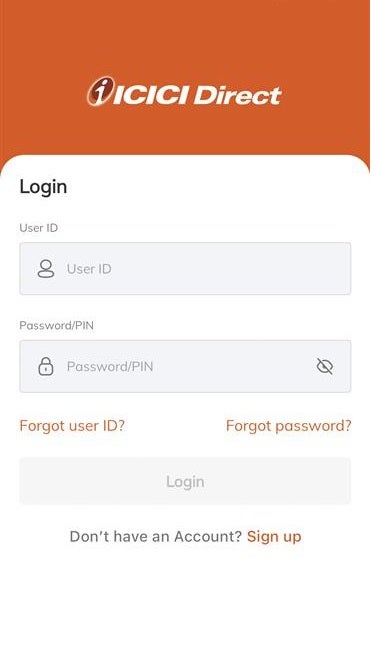
1. Log in to your ICICI Direct account
2. Go to Account
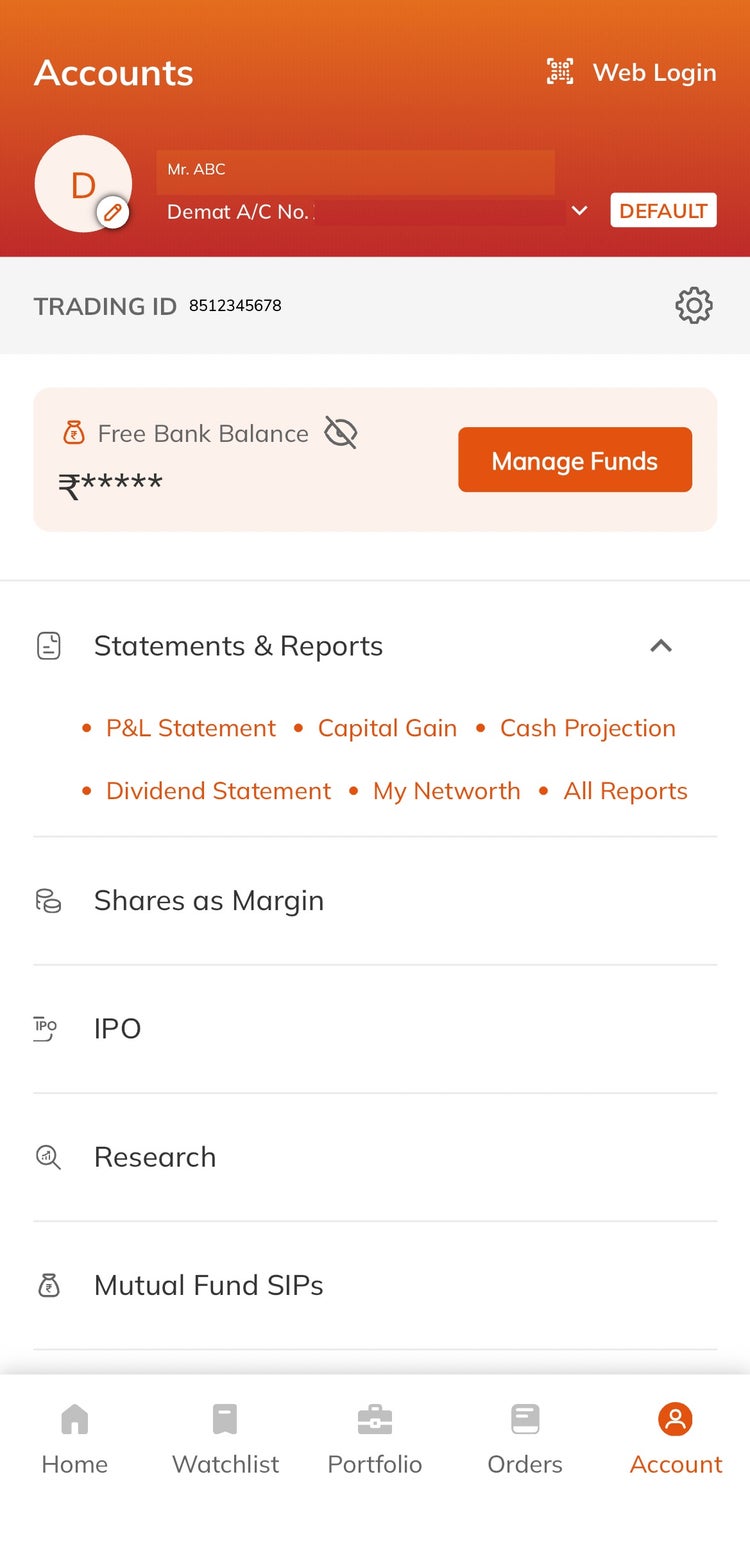
3. Click ‘Settings’ icon
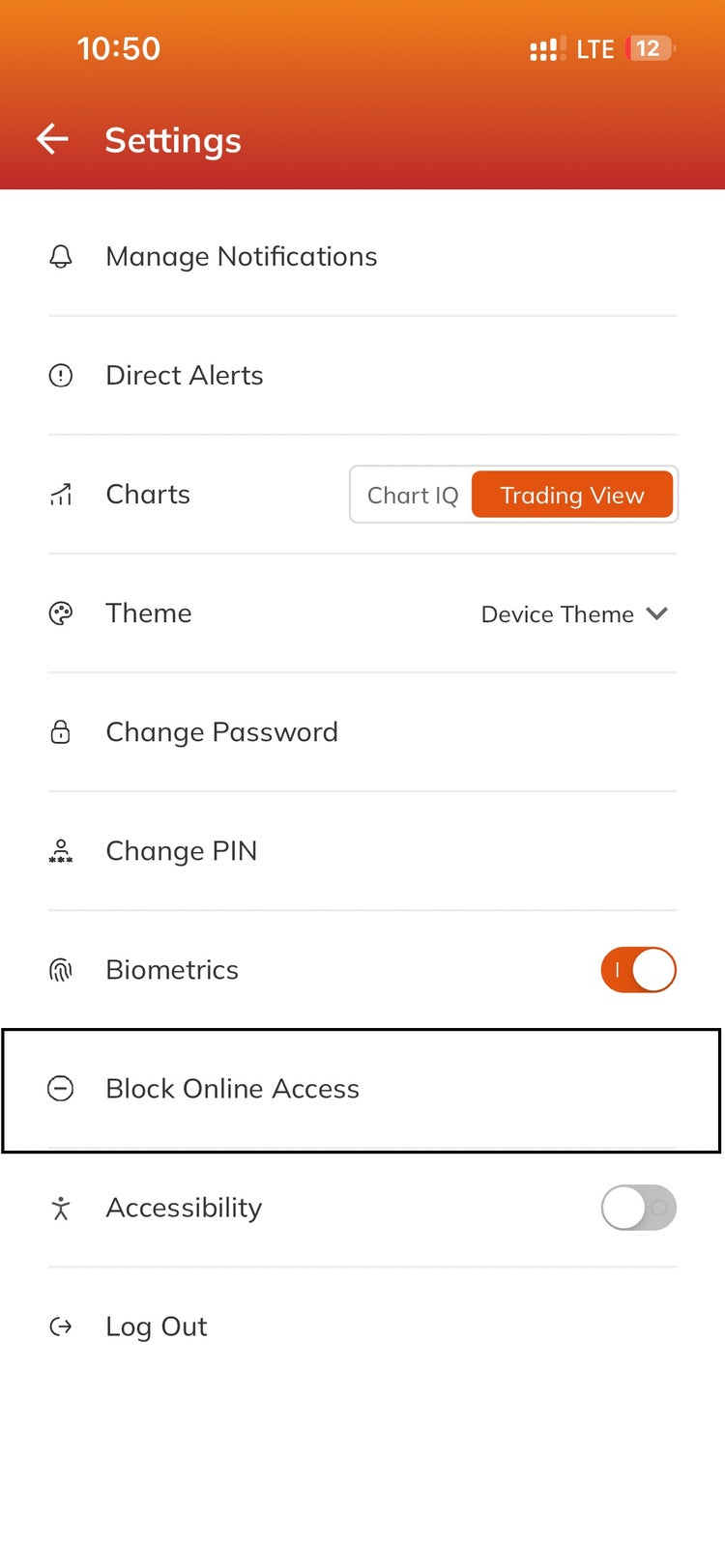
4. Click ‘Block Online Access’
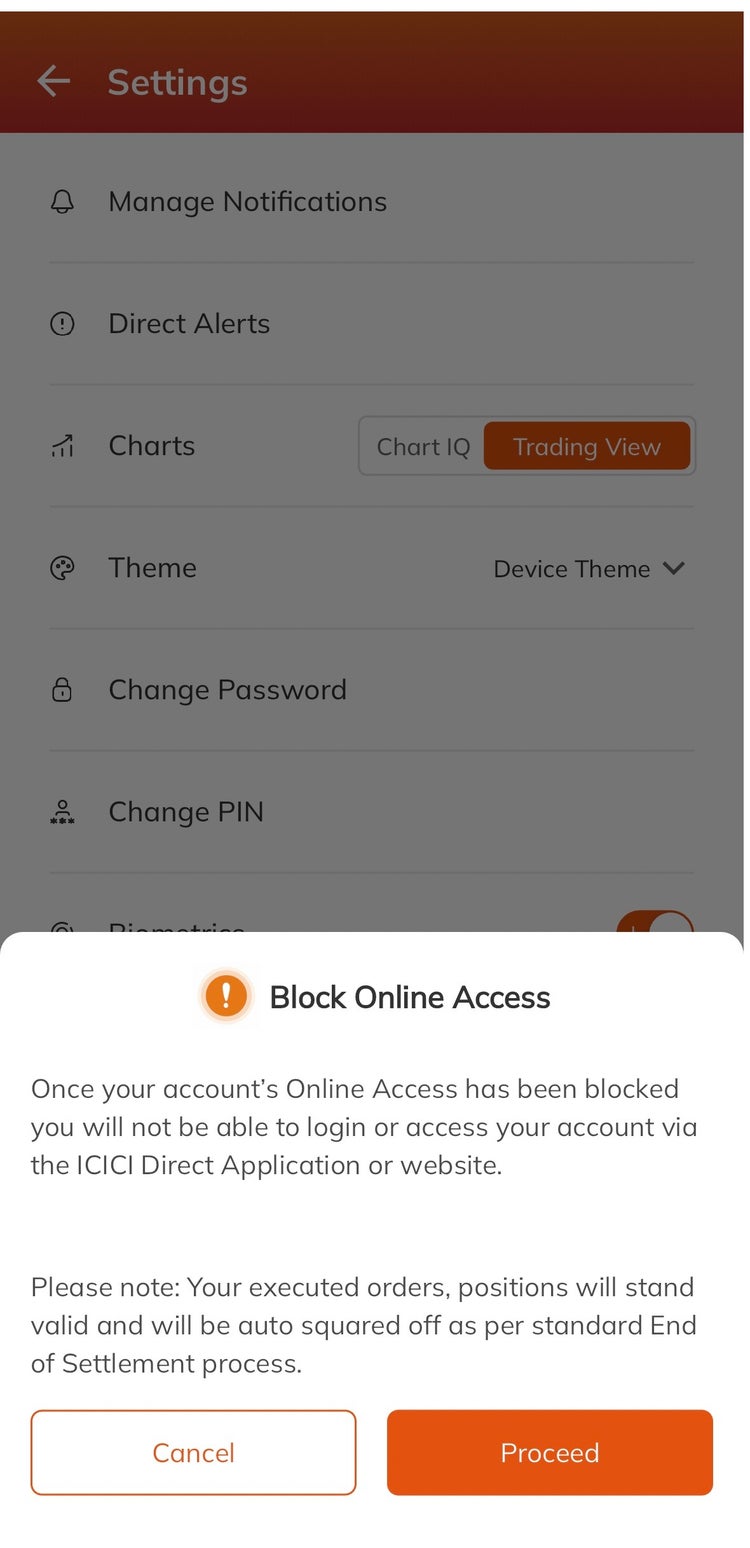
5. Cancel pending/open orders/requests if any
6. Proceed with Block Online Access