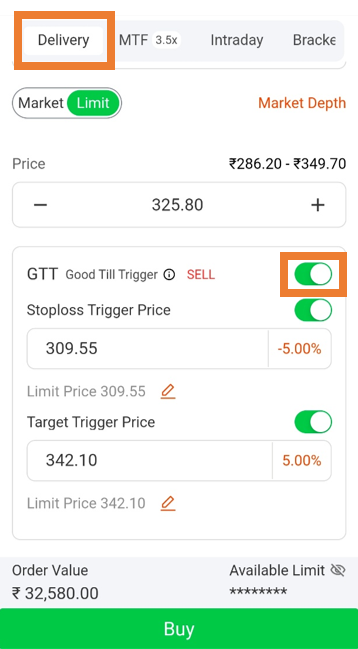
General
Are GTT orders available on the ICICI Direct mobile app?
Yes, you can place and manage GTT orders through the ICICI Direct mobile app.
To place a GTT order in F&O:
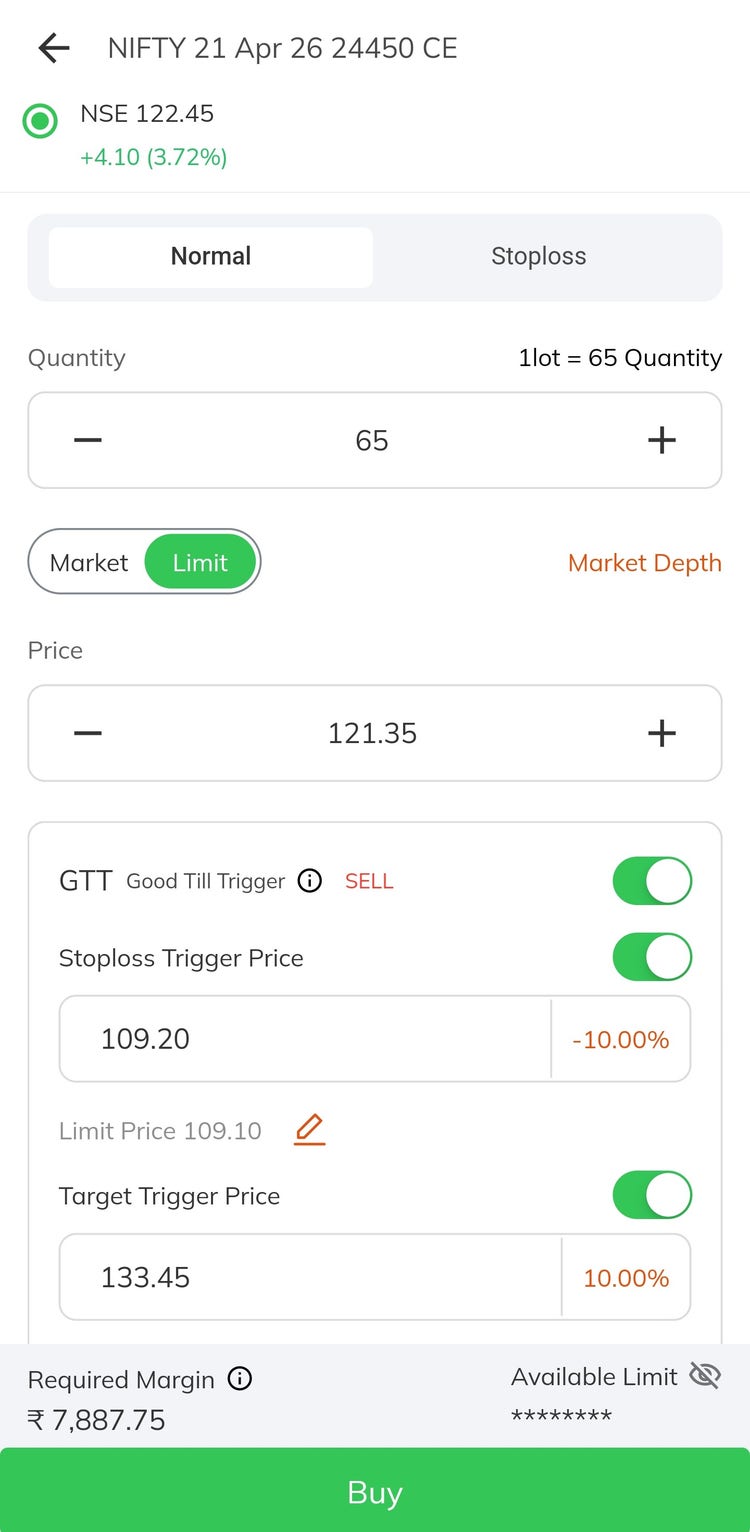
Placing a fresh GTT Order in F&O by adding Stop Loss and Target Price:
a. Select the Contract
b. Click on Buy / Sell
c. Turn on the GTT toggle on the Place Order page
d. Enter the Stop Loss and Target Price
Square Off F&O Orders through GTT:
a. Go to Portfolio > Open Positions
b. Click on the Position you want to Square off
c. Click on Square Off in the drawer that opens
d. Enable the GTT toggle
e. Enter Stoploss and Target Price
To place a GTT order in Equity:
Buy Order
1. Select the stock
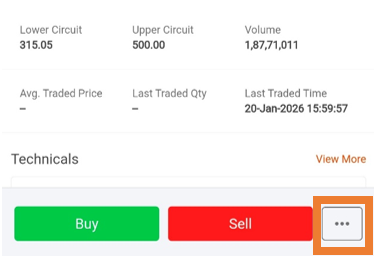
2. Tap on the 3 dots (more options) at the bottom right corner
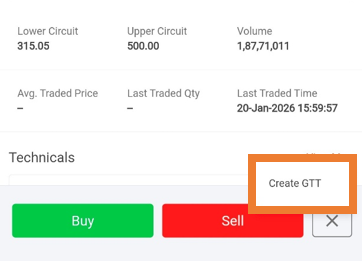
3. Click on Create GTT
4. Enter the Quantity, Trigger and Limit price (Limit price matches the trigger price by default)
5. Tap on Buy and swipe to complete the order
Your Buy GTT request will remain active for 365 days unless triggered or manually cancelled. Once the stock reaches your Trigger Price, a Limit Order is sent to the exchange.
Please note you can track your Active and Inactive GTT request from GTT book under orders.
Sell Order
1. Select Demat Holdings under Portfolio page
2. Select the stock to sell
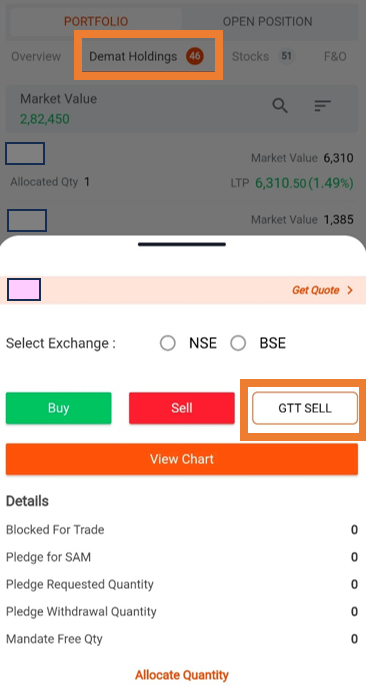
3. Tap on GTT Sell
4. Select “Single” or “OCO”
5. Enter the Quantity, Trigger and Limit Price
6. Tap on Sell and swipe to complete the order
3-leg GTT order
You can place a fresh buy order along with a GTT sell order with predefined Stoploss and Target Triggers.
How it works:
a. Enable GTT Sell toggle while placing a buy order
b. Enter your Target and Stoploss price
c. Initial Buy order is sent to the exchange and corresponding GTT sell order is created and remains Inactive till the buy order is executed
d. Once buy order is executed, GTT sell order will become active
e. If the fresh buy order is not executed within that trading day it will be cancelled and subsequent GTT sell order will also be automatically cancelled.